Two Factors Authentication – Login
A normal TB Login Form has usually 3 Fields to enter the credentials.
The first one is the Username, the second one is the Password and the third one is the Two-Factor Authentication Code.
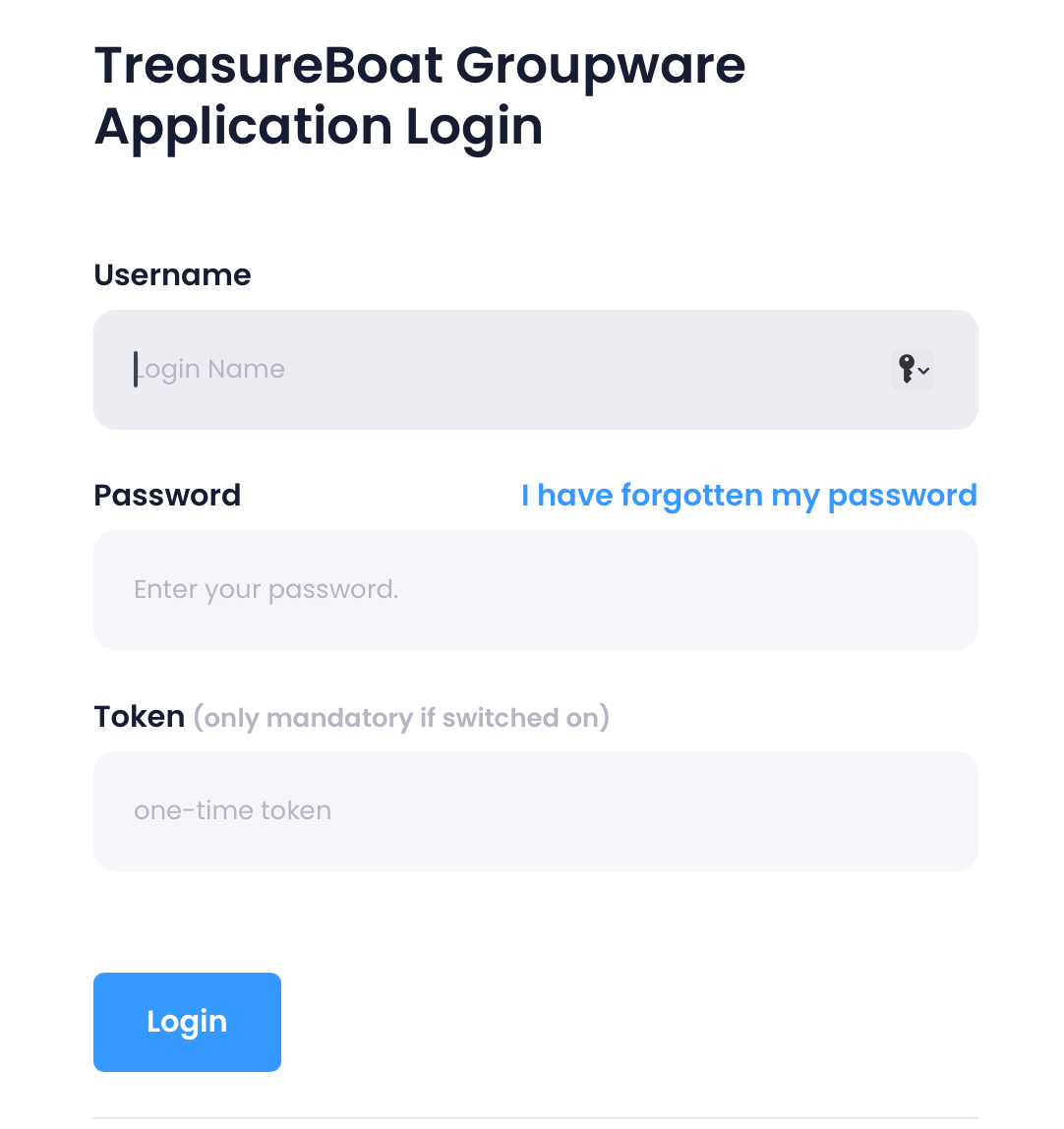
If the Two-Factor Authentication is not switched ON, then only the 2 first fields are mandatory.
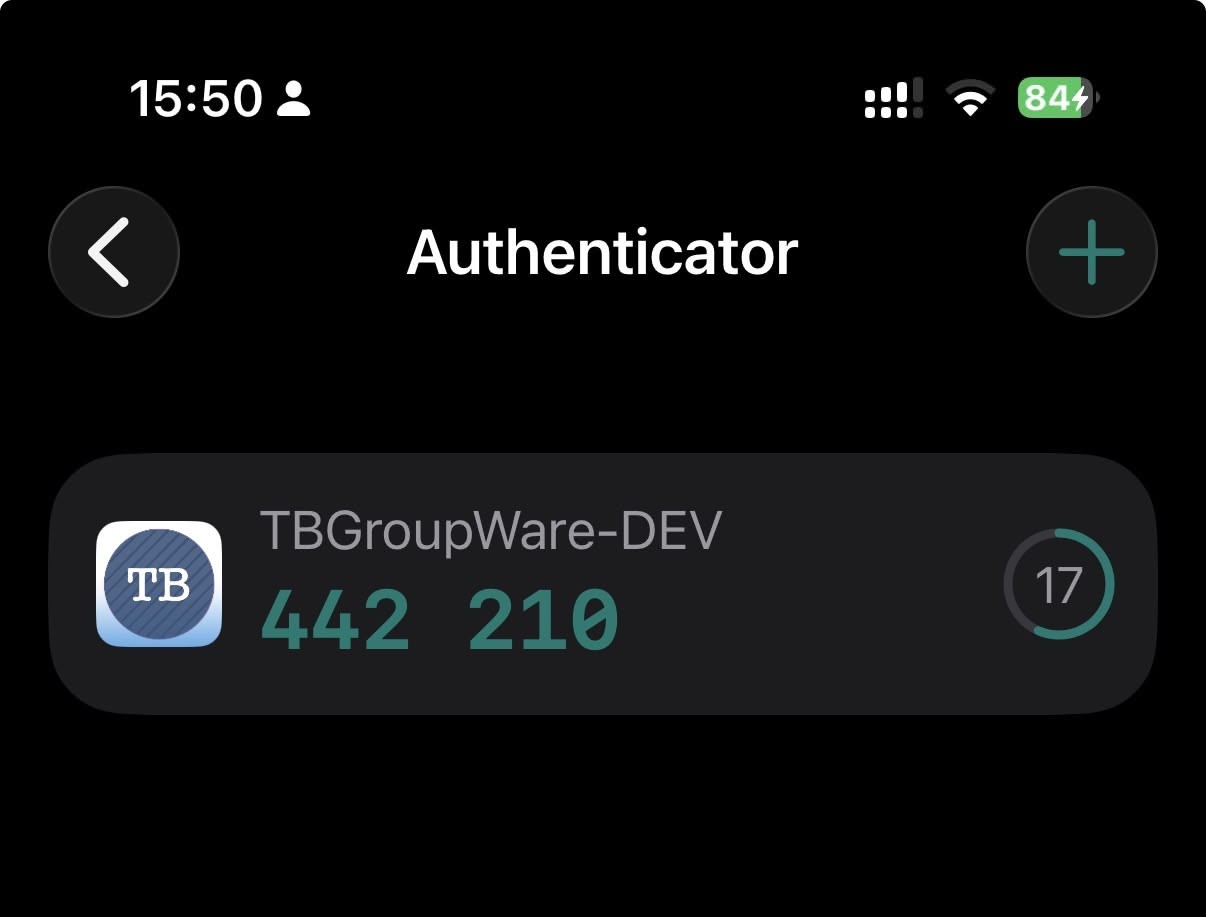
After the Two-Factor Authentication is ON, the user needs to add the one-time token that changes every 30 seconds.
Check your Device for the Authenticator App and add the one-time token.
There are properties to set up the application for forcing the user to use the Two-Factor Authentication.
#Mobile #Authentication